
 Chrome
 Firefox
 Edge
Edge
The Easy Way to Download Files from Any Site
Working in a marketing agency means juggling a hundred things at once-design requests, campaign deadlines, endless feedback loops. But the one thing that used to drive me mad was downloading files from clients. They never send a nice, tidy zip file. Instead, they scatter their assets across strange upload services and old company drives. Before I found a solution, I spent way too much of my life clicking “Download” again and again.
Let me tell you about the characters who taught me patience.
The first client type is the “visual visionary.” Every week she changes her mind about how the brand should look. One day it’s minimal, the next it’s colorful and loud. She keeps her images on some old cloud platform from the early 2000s that looks like it hasn’t been updated since dial-up. When she says, “I just replaced a few visuals,” I know what that means-time to redownload every image because I’ll never guess which ones she swapped.
Then there’s the “platform explorer.” He believes variety is efficiency. One week he shares files through Service X, next week through Y, and once, I swear, through something that looked like it was built by hobbyists. He claims, “It’s better this way.” For him, maybe. For me, it means learning a new layout each time and opening every file link manually because none of those sites offer bulk download.
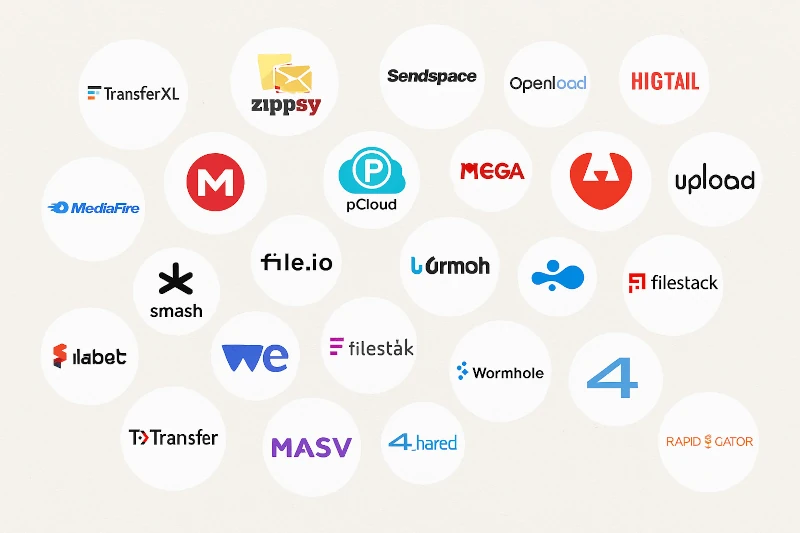
And finally, the “naming artist.” He gives files names that make sense only to him-things like “f_7_9_final.xls” or “new_new_final_3.psd.” Opening each one feels like playing a guessing game where the prize is mild frustration.
At one point, I asked our IT team to write little scripts to automate downloads. They were kind enough to help… at first. The scripts worked-until a client switched platforms again. Then they broke. After a few rounds of this, the IT guys smiled at me and said, “You might want to try Chrome extensions. We can’t keep fixing this every week.” I laughed, but they were right.
That’s how I discovered Download All Files. It’s a browser extension for Chrome and Firefox that finds all downloadable items on a webpage and lets you grab them at once. Simple, clean, and safe-it only runs when I open it. The first time I used it, I felt like I had unlocked a hidden superpower. No more opening fifty tabs just to get images and spreadsheets.
For the indecisive brand client, I now open her old cloud drive, run the extension, and fetch everything in one go. I can check what’s new without missing a thing. For the platform-hopping client, I don’t even care which site he’s using anymore. The extension detects the files and I get them all instantly. And for the cryptic file namer-well, I still rename everything, but at least I can download the whole bunch in seconds instead of minutes.
Now I spend less time chasing files and more time actually doing creative work. I even started using another small helper called StayFocusd, which keeps me off social media when I’m trying to finish a project. It’s amazing how much calmer the day feels when tools do their job quietly in the background.
Clients will always find new ways to make things complicated-that’s part of the charm of this business. But with a few smart browser extensions, I’ve made peace with the chaos. If you ever find yourself buried under endless download links, trust me, there’s an easier way. I found mine, and I’m not going back.